Pinia를 활용한 전역 상태 관리
컴포넌트 개수가 10개, 20개로 늘어나고 깊이가 깊어지면 Props와 Emit만으로 데이터를 주고받기엔 한계가 옵니다. 이때, 모든 컴포넌트가 언제든 꺼내 쓸 수 있는 공용 데이터 창고(전역 상태 관리)가 필요한데, Vue 3의 공식 표준 창고가 바로 Pinia(피니아)입니다. (과거 Vuex를 대체합니다.)
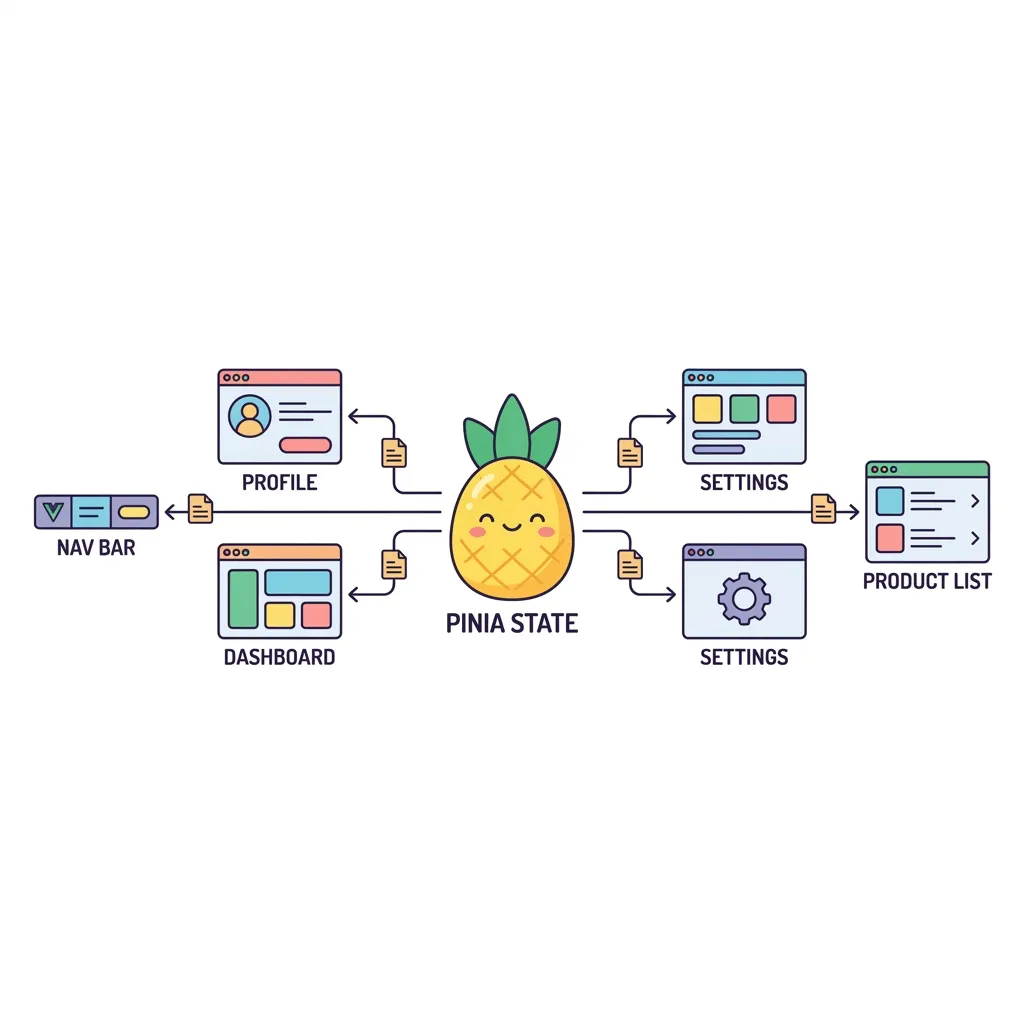
<!-- ==========================================
// 📂 1. stores/counter.js (Pinia Store 정의)
// ⚠️ 주의: 실제 .js 파일에서는 <script> 태그를 작성하지 않습니다.
// ========================================== -->
<script>
import { defineStore } from 'pinia';
import { ref, computed } from 'vue';
// [Setup Store 방식] - Composition API 와 똑같은 문법으로 Store를 만듭니다!
export const useCounterStore = defineStore('counter', () => {
// 1. State (데이터) => ref() 로 만듭니다.
const count = ref(0);
// 2. Getters (가공된 데이터) => computed() 로 만듭니다.
const doubleCount = computed(() => count.value * 2);
// 3. Actions (데이터 수정 함수) => 일반 function() 으로 만듭니다.
function increment() {
count.value++;
}
// 밖에서 쓸 것들을 몽땅 묶어서 return 해줍니다.
return { count, doubleCount, increment };
});
</script>
<!-- ==========================================
// 📂 2. ComponentA.vue (Pinia 사용처)
// ========================================== -->
<script setup>
import { useCounterStore } from '@/stores/counter';
// Store 객체를 가져옵니다.
const store = useCounterStore();
</script>
<template>
<div class="p-6 bg-purple-50 rounded-lg border-2 border-purple-200 text-center">
<h2 class="text-xl font-bold text-purple-700">전역 카운터 앱</h2>
<!-- store 객체 안의 상태와 함수를 바로 갖다 씁니다. -->
<p class="text-3xl my-4">현재 카운트: {{ store.count }}</p>
<p class="text-gray-500 mb-4">2배 곱한 값: {{ store.doubleCount }}</p>
<button @click="store.increment" class="bg-purple-600 text-white px-6 py-2 rounded-full font-bold shadow hover:bg-purple-700">
+1 증가시키기
</button>
</div>
</template>