minstudio

파일 기반 라우팅과 레이아웃

기존 Vue에서는 복잡한 vue-router 설정 파일을 수동으로 작성해야 했습니다. 반면 Nuxt에서는 app/pages/ 디렉토리에 Vue 파일을 만들기만 하면, 파일 구조가 즉시 브라우저의 URL 주소로 자동 변환됩니다.
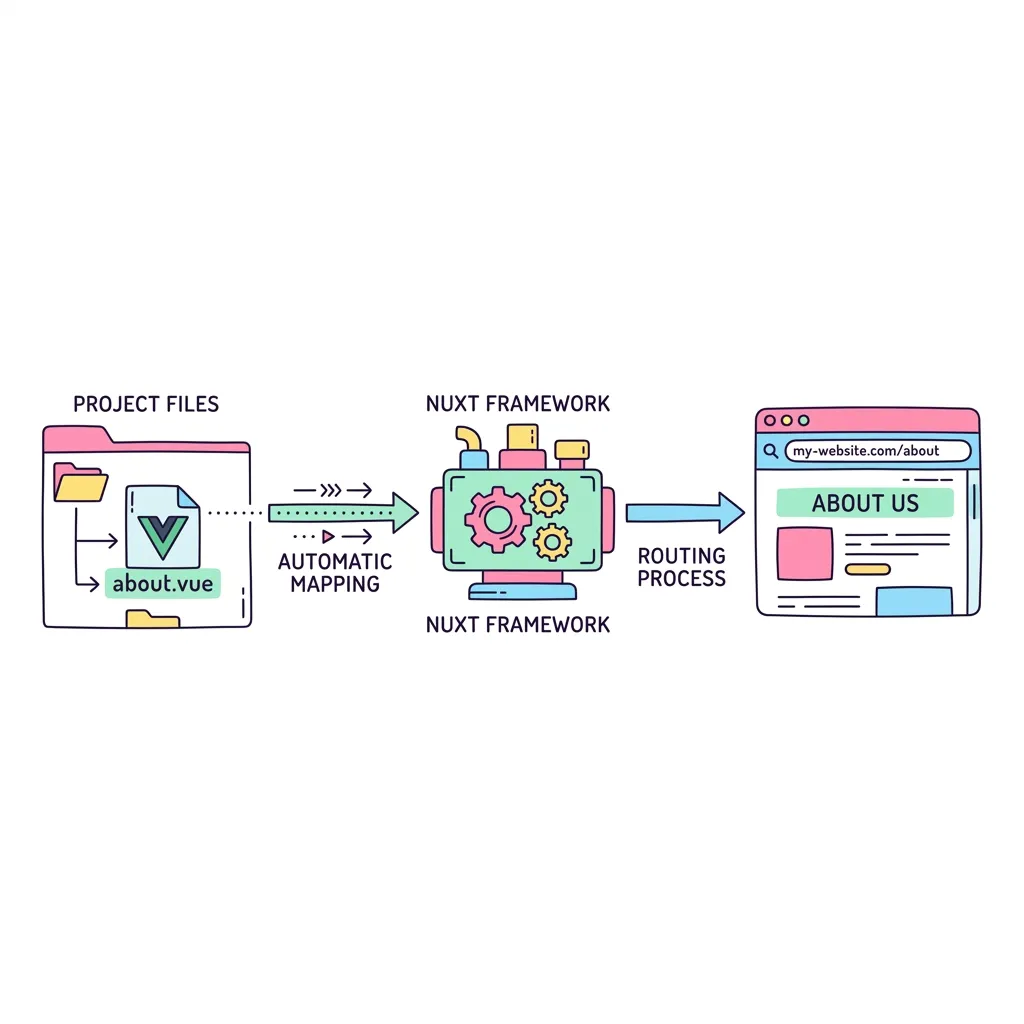
🛣️ 폴더 구조가 곧 URL 주소 (파일 기반 라우팅) 📂 app/pages/ index.vue about.vue users/[id].vue 🌐 브라우저 URL / (메인 홈) /about (어바웃) /users/123 (동적)
<!-- ==========================================
// 📂 app/layouts/default.vue (공통 레이아웃 구조)
// ========================================== -->
<template>
  <div class="min-h-screen bg-gray-50 text-gray-900">
    <header class="bg-indigo-600 text-white p-4 shadow-md flex gap-4">
      <!-- <a> 태그 대신 NuxtLink를 사용하여 페이지 전환 시 깜빡임을 방지합니다. -->
      <NuxtLink to="/" class="font-bold hover:text-indigo-200">홈</NuxtLink>
      <NuxtLink to="/about" class="font-bold hover:text-indigo-200">소개</NuxtLink>
      <NuxtLink to="/users/999" class="font-bold hover:text-indigo-200">유저 정보</NuxtLink>
    </header>

    <main class="p-8 max-w-4xl mx-auto">
      <!-- pages 폴더 안의 각 화면이 여기에 쏙 들어옵니다! -->
      <slot />
    </main>
  </div>
</template>

<!-- ==========================================
// 📂 app/pages/users/[id].vue (동적 라우팅 페이지)
// ========================================== -->
<template>
  <div class="bg-white p-6 rounded-xl shadow-sm border border-gray-100">
    <h1 class="text-2xl font-bold text-indigo-700 mb-2">회원 상세 페이지</h1>
    
    <p class="text-lg mt-4">
      URL 주소창에 입력하신 회원 번호는 
      <strong class="text-red-500 bg-red-50 px-2 py-1 rounded">
        {{ route.params.id }}
      </strong> 번 입니다!
    </p>

    <!-- app/components 안의 버튼을 임포트 없이 바로 사용 -->
    <div class="mt-6">
      <MyButton>회원 정보 수정하기</MyButton>
    </div>
  </div>
</template>

<script setup>
// 브라우저의 현재 URL 정보를 꺼내옵니다.
const route = useRoute();
</script>
파일 기반 라우팅과 레이아웃 | Minstudio