색상과 타이포그래피
색상 시스템과 완벽한 타이포그래피의 결합
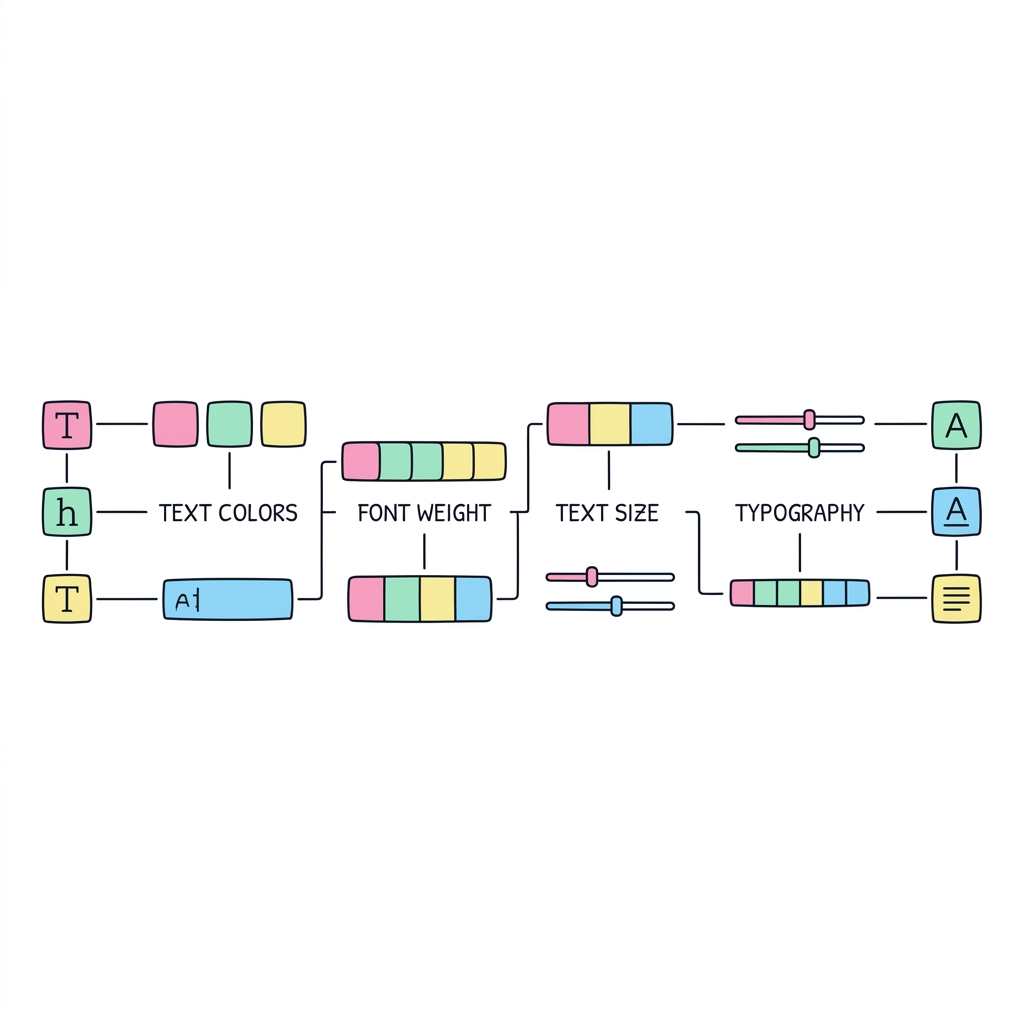
Tailwind CSS의 가장 큰 장점 중 하나는 디자이너가 설계한 22가지 색상 팔레트와 비례적인 타이포그래피 스케일이 내장되어 있다는 점입니다. 텍스트 크기(Size)를 키우면 자동으로 최적의 줄간격(Line Height)이 계산되어 적용되며, 자간(Tracking)과 굵기(Weight)를 조합해 세련된 UI 타이포그래피를 즉시 구축할 수 있습니다.
⚠️ 주의: 임의의 값 사용 지양 (Arbitrary values)
가급적 text-[#ff0000] 이나 text-[17px] 처럼 대괄호를 이용한 커스텀 값 사용을 피하세요. 디자인 시스템의 일관성을 해치고 Tailwind의 가장 큰 장점인 '사전 정의된 스케일'을 파괴합니다. 꼭 필요한 테마 컬러/크기는 tailwind.config.js에 등록하여 사용하는 것이 원칙입니다.
<!DOCTYPE html>
<html lang="ko">
<head>
  <meta charset="UTF-8">
  <title>Tailwind 색상 및 타이포그래피 마스터</title>
  <script src="https://cdn.tailwindcss.com"></script>
</head>
<body class="bg-slate-900 min-h-screen p-8 font-sans text-slate-200 transition-colors duration-500" id="main-body">

  <div class="max-w-3xl mx-auto space-y-12">

    <!-- Header: Typography Mastery -->
    <div class="text-center space-y-4">
      <p class="text-emerald-400 font-bold tracking-widest uppercase text-sm">Design System</p>
      <!-- text-5xl (초대형 크기), font-extrabold (아주 굵게), tracking-tight (자간 좁게) -->
      <h1 class="text-5xl font-extrabold tracking-tight">
        <span class="text-transparent bg-clip-text bg-gradient-to-r from-emerald-400 via-teal-500 to-cyan-500">
          Typography & Colors
        </span>
      </h1>
      <!-- text-lg (약간 큰 폰트), text-slate-400 (색상), leading-relaxed (넓은 줄간격) -->
      <p class="text-lg text-slate-400 font-medium max-w-xl mx-auto leading-relaxed" id="description-text">
        디자이너 없이도 아름다운 UI를 만드세요. 자간(tracking)과 줄간격(leading), 명도 척도(50~950)를 완벽하게 조합하는 방법을 배웁니다.
      </p>
    </div>

    <!-- UI Component: Typography Article Card -->
    <div class="bg-slate-800/80 backdrop-blur-md border border-slate-700/50 rounded-2xl p-8 shadow-2xl relative overflow-hidden group">

      <!-- Decorative background blur -->
      <div id="glow-effect" class="absolute -top-20 -right-20 w-64 h-64 bg-teal-500/10 rounded-full blur-3xl transition-colors duration-700"></div>

      <div class="relative z-10">
        <!-- Article Header -->
        <div class="mb-8 border-b border-slate-700/50 pb-6">
          <!-- text-3xl, font-bold, text-white -->
          <h2 id="card-title" class="text-3xl font-bold text-white mb-2 tracking-tight">
            완벽하게 설계된 타이포그래피
          </h2>
          <!-- text-sm, text-slate-400, font-mono (모노스페이스 글꼴) -->
          <p class="text-sm text-slate-400 font-mono tracking-wide uppercase">
            Tailwind Default Scale
          </p>
        </div>

        <!-- Article Body -->
        <div class="space-y-6">
          <p class="text-base text-slate-300 leading-loose">
            단락(Paragraph) 텍스트를 작성할 때는 <code class="text-teal-400 bg-teal-400/10 px-2 py-1 rounded">leading-loose</code>(아주 넓은 줄간격)나
            <code class="text-teal-400 bg-teal-400/10 px-2 py-1 rounded">leading-relaxed</code>를 사용하면 가독성이 비약적으로 상승합니다.
            너무 촘촘한 글씨는 사용자를 지치게 만듭니다.
          </p>

          <blockquote class="border-l-4 border-teal-500 pl-4 py-2 italic text-slate-400">
            "좋은 디자인의 90%는 타이포그래피에 의해 결정된다." <br>
            <span class="text-sm font-semibold not-italic text-slate-500 mt-2 inline-block">— Oliver Reichenstein</span>
          </blockquote>
        </div>

        <!-- Theme Switcher Buttons -->
        <div class="mt-10 flex gap-4">
          <button onclick="changeTheme('default')" class="flex-1 bg-slate-700 hover:bg-slate-600 text-white font-semibold py-3 px-4 rounded-xl shadow border border-slate-600 transition-all">
            디폴트 테마
          </button>
          <button onclick="changeTheme('vibrant')" class="flex-1 bg-indigo-600 hover:bg-indigo-500 text-white font-bold tracking-wide py-3 px-4 rounded-xl shadow-lg shadow-indigo-600/30 border border-indigo-500 transition-all">
            바이올렛 강조
          </button>
        </div>
      </div>
    </div>

  </div>

</body>
</html>
🔒 localhost:8000/preview