첫 번째 Slim 앱 만들기: Hello World
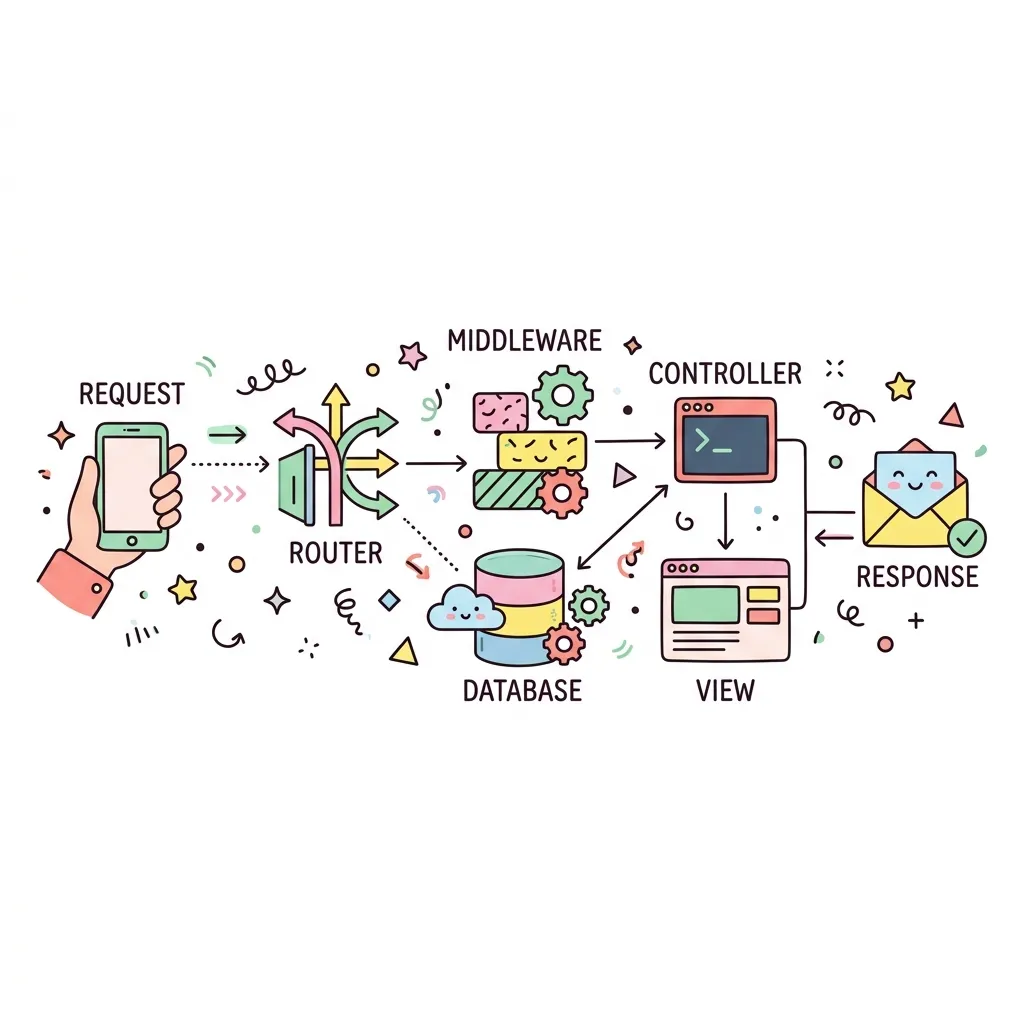
Slim 프레임워크를 사용하여 가장 기초적인 "Hello World" API 서버를 구축해봅니다. Composer를 통한 패키지 설치부터 라우팅 설정, 그리고 클라이언트 요청에 대한 JSON 응답 처리까지 전체 사이클을 경험하게 됩니다.
1. 패키지 설치 (Composer)
먼저 터미널을 열고 프로젝트 폴더를 생성한 후, Slim 프레임워크와 PSR-7 구현체인 Nyholm을 설치합니다.
$ mkdir slim-app
$ cd slim-app
$ composer require slim/slim:"4.*"
$ composer require nyholm/psr7 nyholm/psr7-server
2. index.php 작성 (Backend)
설치가 완료되면, 프로젝트 루트 디렉토리에 index.php 파일을 생성하고 아래의 코드를 작성합니다. 이 코드는 클라이언트가 /hello/{이름} 으로 요청을 보냈을 때 JSON 형태로 응답하는 백엔드 서버입니다.
<?php
use Psr\Http\Message\ResponseInterface as Response;
use Psr\Http\Message\ServerRequestInterface as Request;
use Slim\Factory\AppFactory;
// 1. Composer Autoloader 불러오기
require __DIR__ . '/vendor/autoload.php';
// 2. Slim 앱 인스턴스 생성
$app = AppFactory::create();
// 3. 라우팅 정의 (GET /hello/{name})
$app->get('/hello/{name}', function (Request $request, Response $response, array $args) {
$name = $args['name'];
$data = array('message' => "Hello, $name!");
// 배열을 JSON 문자열로 변환하여 응답 본문에 작성
$response->getBody()->write(json_encode($data, JSON_PRETTY_PRINT));
// JSON Content-Type 헤더와 함께 200 OK 응답 반환
return $response
->withHeader('Content-Type', 'application/json')
->withStatus(200);
});
// 4. 앱 실행
$app->run();
?>
localhost:8080/hello/Developer
{
"message": "Hello, Developer!"
}
💡 PHP 내장 서버로 실행하기
코드를 모두 작성했다면, 터미널에서 php -S localhost:8080 명령어를 실행하여 개발용 내장 웹 서버를 띄울 수 있습니다. 그 다음 브라우저에서 http://localhost:8080/hello/Developer 로 접속하여 결과를 확인해보세요.