믹스인(Mixin)과 인클루드: 재사용 가능한 함수
4. 믹스인 (Mixin)
flexbox 중앙 정렬이나 버튼 스타일처럼 똑같은 CSS 코드 뭉치를 여러 곳에서 반복해서 치고 있진 않나요?
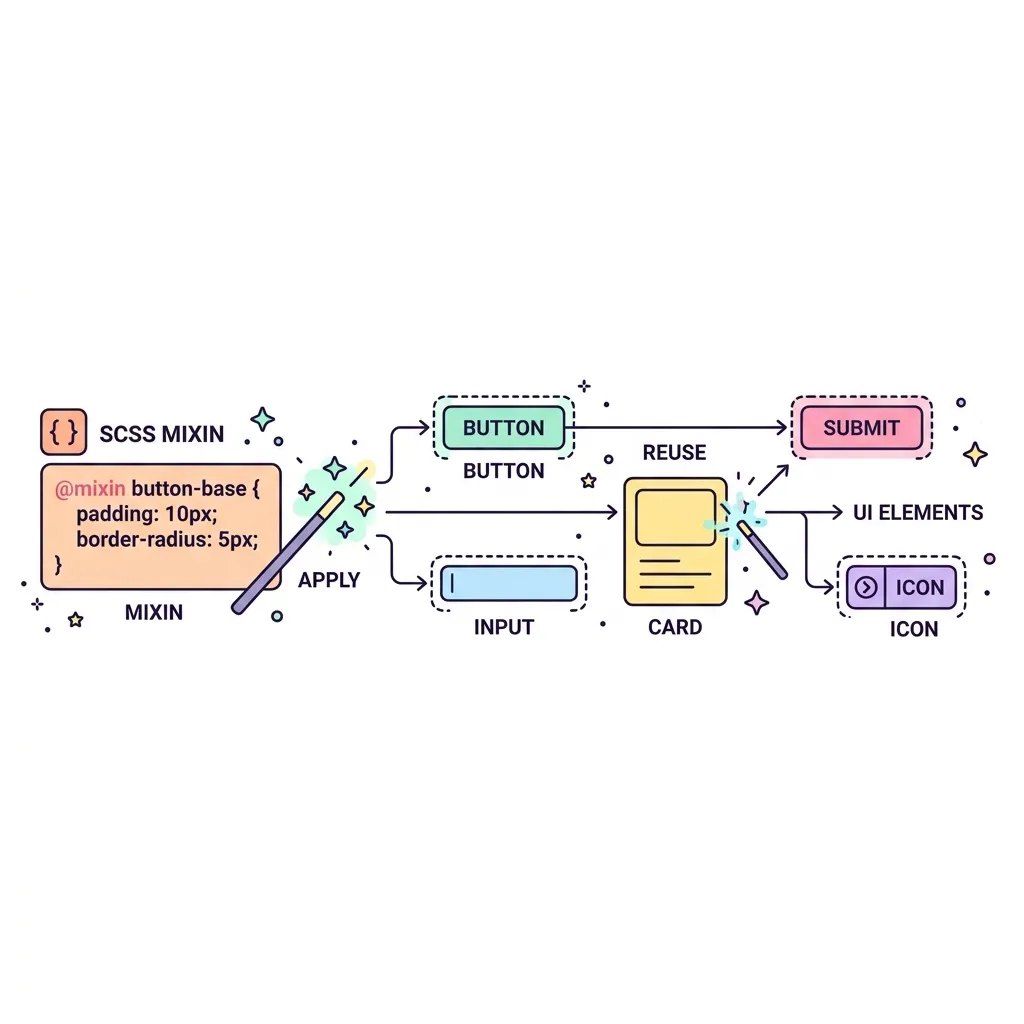
Mixin(믹스인)은 재사용 가능한 코드 블록을 도장처럼 만들어두고 필요할 때마다 찍어내는 기능입니다. 특히 함수처럼 인자(Argument)를 전달받을 수 있어서, 똑같은 구조지만 색상이나 크기만 다른 요소를 찍어낼 때 진가를 발휘합니다.
| 키워드 | 역할 | 사용 예시 |
|---|---|---|
| @mixin | 재사용할 스타일 블록을 정의 | @mixin flex-center { display: flex; ... } |
| @include | 정의된 믹스인을 호출하여 포함 | .box { @include flex-center; } |
| 인자 (Args) | 믹스인에 동적인 값을 전달 | @mixin button($color) { background: $color; } |
코드 예시 및 컴파일 결과
HTML 구조
<div class="box-container">
  <div class="box-small">Small Box</div>
  <div class="box-large">Large Box</div>
</div>
SCSS 작성 및 컴파일 결과
/* SCSS Mixin 예시 */
/*
@mixin flex-center {
  display: flex;
  justify-content: center;
  align-items: center;
}

@mixin circle($size, $color) {
  width: $size;
  height: $size;
  background-color: $color;
  border-radius: 50%;
  color: white;
  @include flex-center; // Mixin 안에서 다른 Mixin 호출 가능!
}

.box-small {
  @include circle(100px, #ef4444);
}

.box-large {
  @include circle(150px, #3b82f6);
}
*/

/* 컴파일된 실제 CSS */
.box-container {
  display: flex;
  gap: 20px;
  padding: 20px;
}
.box-small {
  width: 100px;
  height: 100px;
  background-color: #ef4444;
  border-radius: 50%;
  color: white;
  display: flex;
  justify-content: center;
  align-items: center;
}
.box-large {
  width: 150px;
  height: 150px;
  background-color: #3b82f6;
  border-radius: 50%;
  color: white;
  display: flex;
  justify-content: center;
  align-items: center;
}